Quick questions please?:
- if adding a device with RL (rocky linux) v10 on a domain with WIN active directory, how does one get the RL device to pickup the group policies of win server - Any tips please
 ?
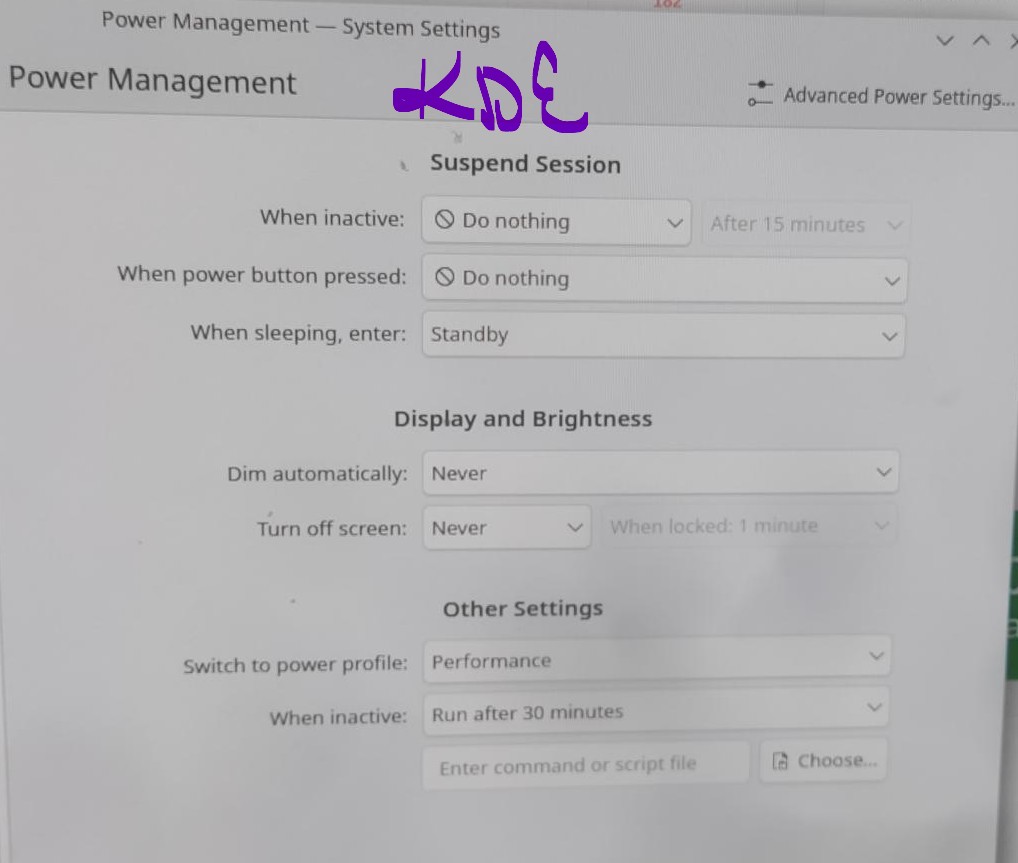
? - Is there a way to stop RL computer from locking an inactive session ? Nothing in the power management can disable a locked session (options like - “never”, “do nothing” etc doesn’t work)? For instance - the PC to not lock (login screen) & stay active, even when not used. Sometimes i have a weblink playing, then the PC goes into lock mode (login session).
- With wireless drivers, man phew, any tips ? Sometime one has to disable secure boot or it might work on the live USB, but then nothing shows (wireless WIFI) after the installation of RL.
As far as i can go with wireless, any tips please?
- lspci or lspci -k
- mncli
- iw dev (my interface) link
- ip link set (my interface) up
- dmesg | grep (module type)